Automate · Scale · Dominate
Turn a website or a few photos into a ready-to-post ad
Paste a business URL or drop in some pictures, pick the business type, choose a style, and BrandMotion Ad Studio builds a short vertical video — scene by scene — that you can tweak and export.
1
Start with a URL or pictures
Do one, or both🔗 Paste a business URL
We read the site for the name, logo, services and offers.
🖼️ Upload pictures
Job shots, storefront, team, before/afters — your real footage.
—
—
2
What kind of business?
Pick one3
Choose a style
Real photos, AI video, or both🎤 Your on-camera creator
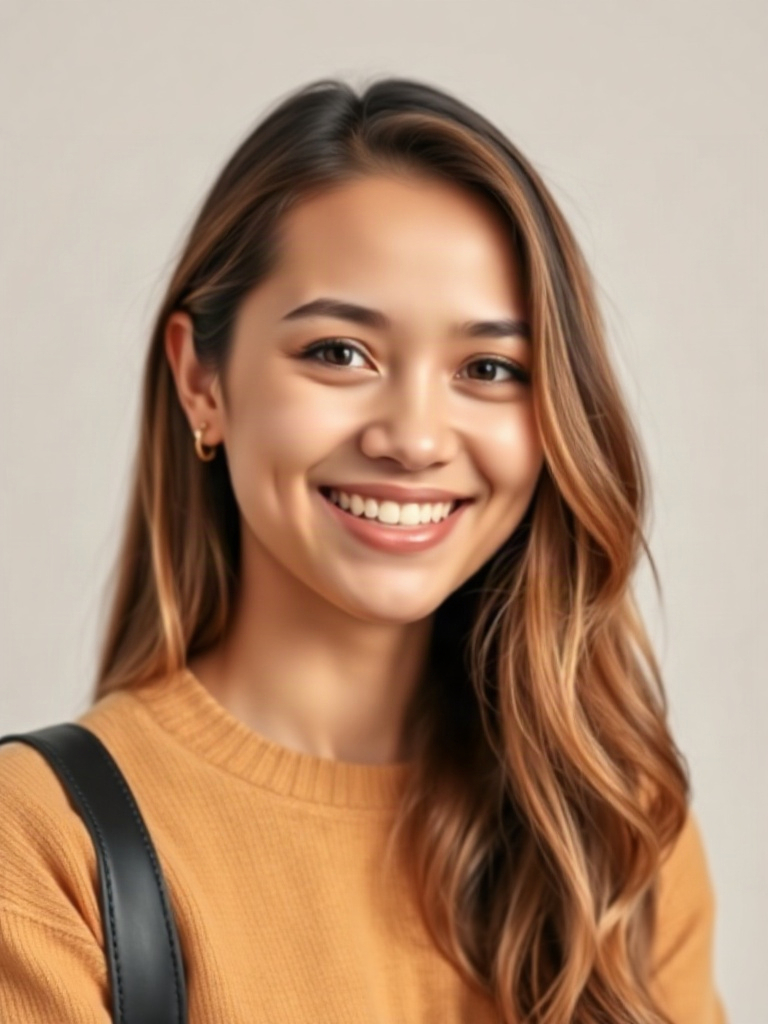 A clear, front-facing photo works best — we lip-sync it to your script.
4
Scenes
Edit captions · flip Real ↔ AIBuild a clip to see the scene-by-scene timeline here.
How generation works: this front end talks to a Scale AI Pros backend (the api/ folder). Reading a URL is live with no account. Scripts turn real when you add an Anthropic key; otherwise built-in copy is used. AI video (fal.ai / Replicate), voiceover (ElevenLabs / Deepgram) and MP4 render (Shotstack / Creatomate) each flip from simulated to real the moment you add that provider's key — see PROVIDERS.md. Until the app is deployed, this page runs in preview mode with simulated output.
Live preview
Your clip plays here once you build it.
Scenes—
Voiceover—
Est. render cost—
≈ in dollars—